iOS 11.3.1 Jailbreak Steps
Reverse engineering can let us understand system principles more deeply, can also let us peek at interesting Apps, very fun, may also be very evil.
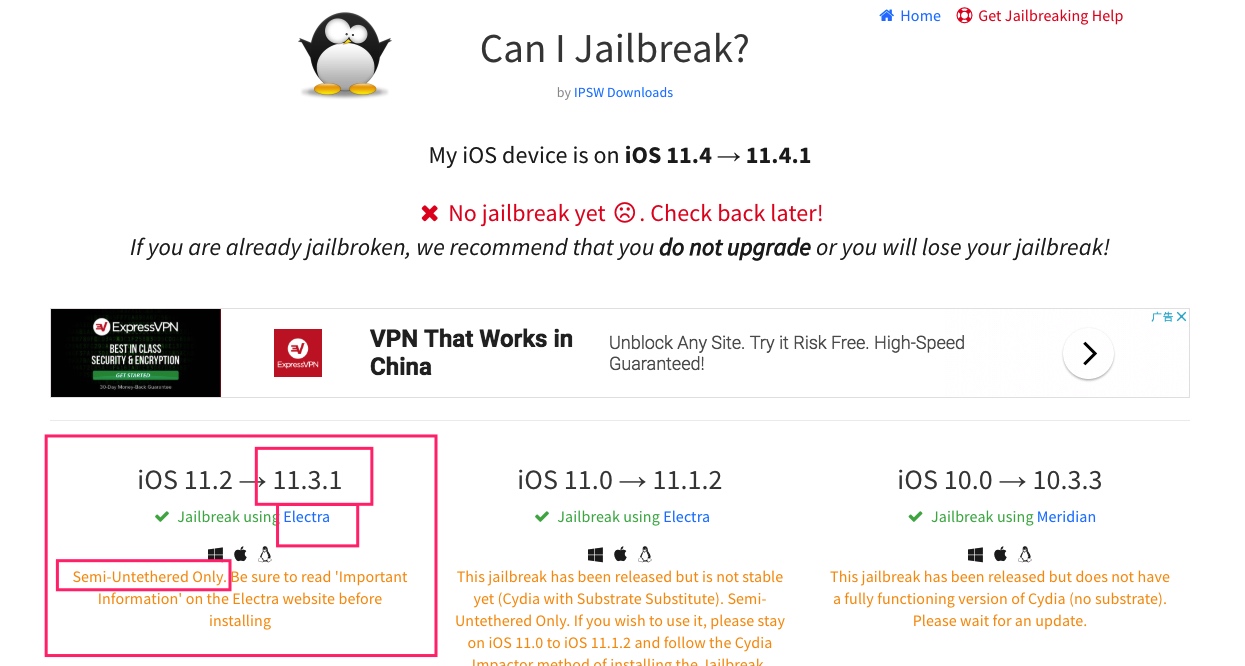
Currently (August 30, 2018) latest jailbreakable iOS version ordinary people can access is iOS11.3.1, can see at https://canijailbreak.com/, this article simply explains iOS11.3.1 jailbreak steps, pave way for future reverse engineering work for performance optimization purposes.
Environment
Just got an iPhone6S iOS11.3.1 today. Theoretically this article applies to iOS11.2 to iOS11.3.1.
Tool Preparation
Tool 1: Jailbreak IPA
First at https://canijailbreak.com/ find tool for corresponding system, click Electra, open jailbreak tool Electra’s official website.
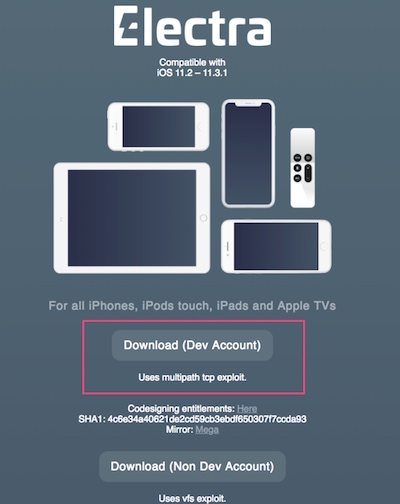
Here two versions of tools can both complete jailbreak, looks like exploit different system vulnerabilities, but final effect should be same (specific differences, haven’t researched deeply). Click Download (Dev Account), will download Electra1131-1.0.3-mptcp.ipa .
Tool 2: Re-signing
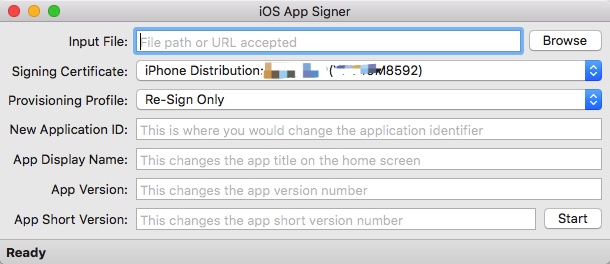
Re-signing tools many types, here use https://dantheman827.github.io/ios-app-signer/
Tool 3: Install IPA
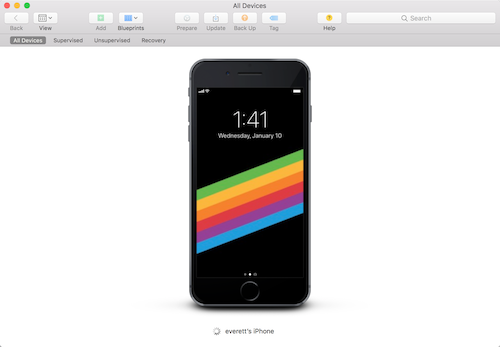
Methods to install IPA to iPhone also various, here use Apple’s official Apple Configurator 2 https://itunes.apple.com/us/app/apple-configurator-2/id1037126344?mt=12
Start Jailbreak
Since Electra we chose needs com.apple.developer.networking.multipath permission, Impactor used before to install IPA won’t automatically add this permission to bundle id, so we need to manually operate.
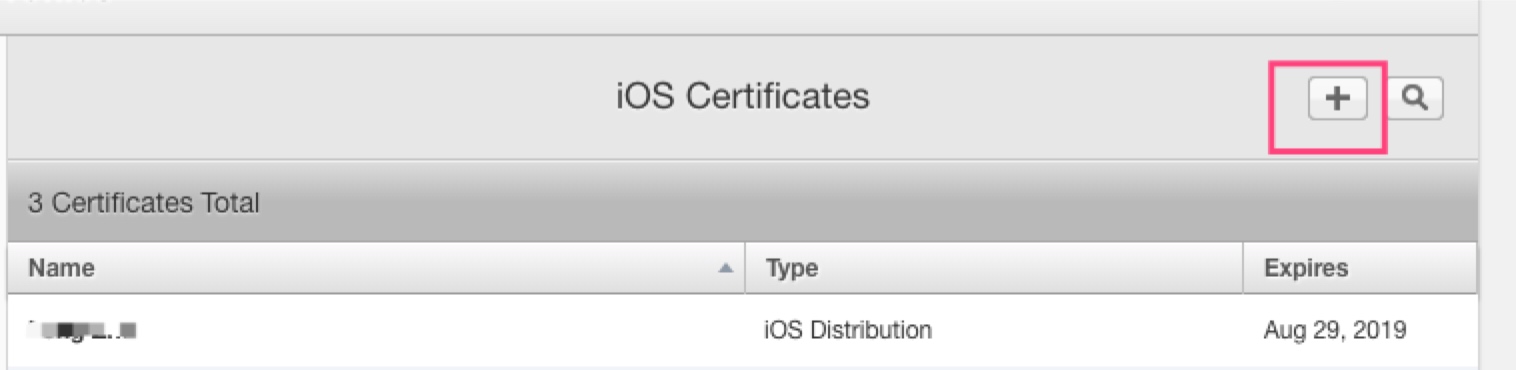
Certificate Creation
Open developer website, https://developer.apple.com/, create a Distribution certificate. Creation process won’t elaborate.
Create App IDs
 Assume App ID uses com.everettjf.myios11iphone6s.
Note select Multipath

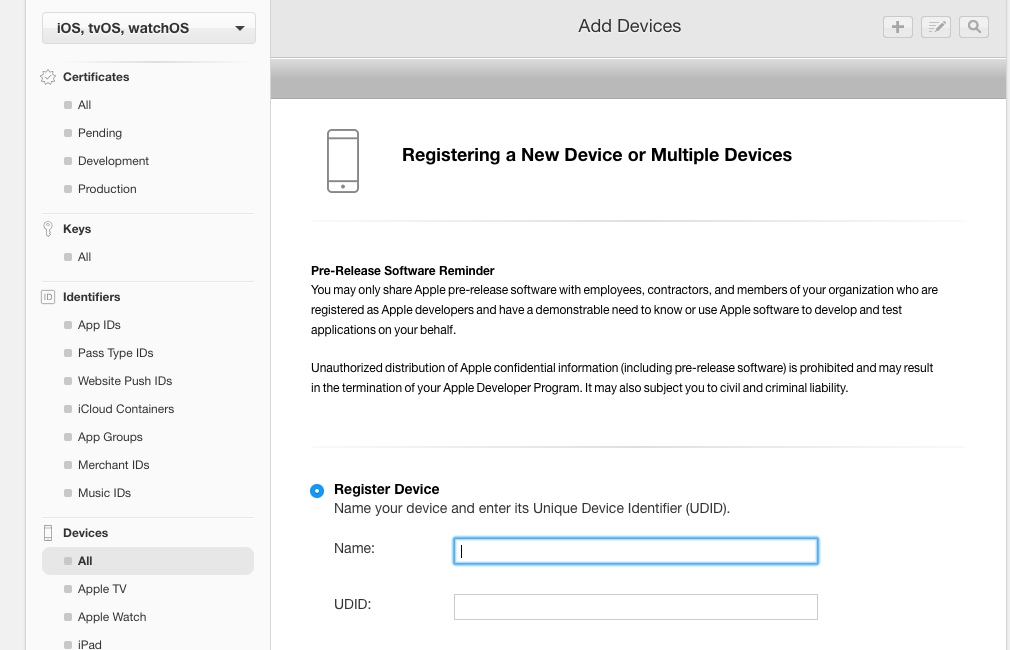
Device UDID Addition
Device UDID can be obtained through iTunes.
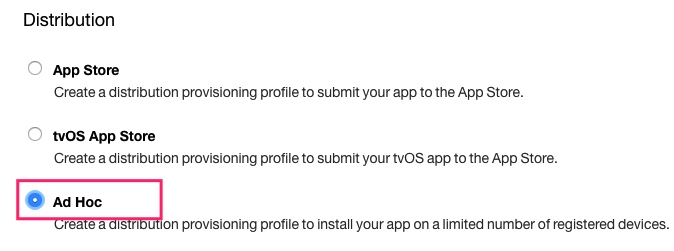
Generate ProvisioningProfile
Can create AdHoc type.
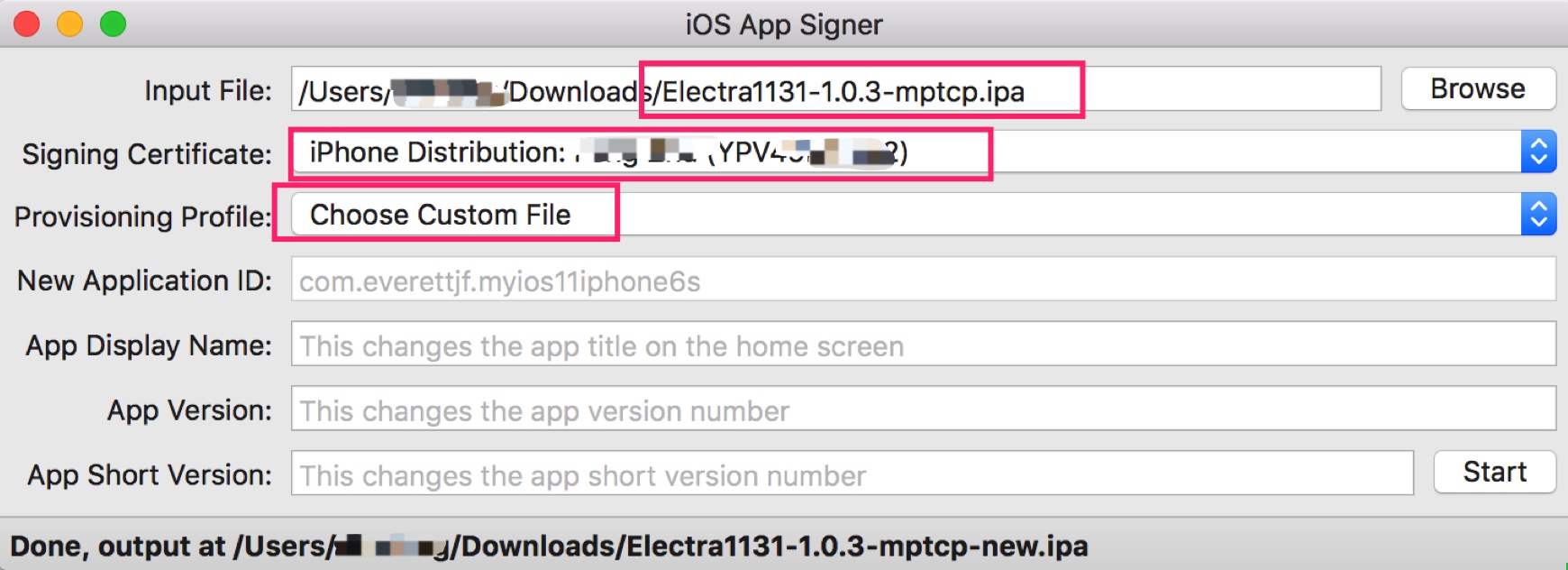
Get myios11iphone6s.mobileprovision.
Re-sign
Install IPA
Open Apple Configurator, connect phone, drag IPA in.
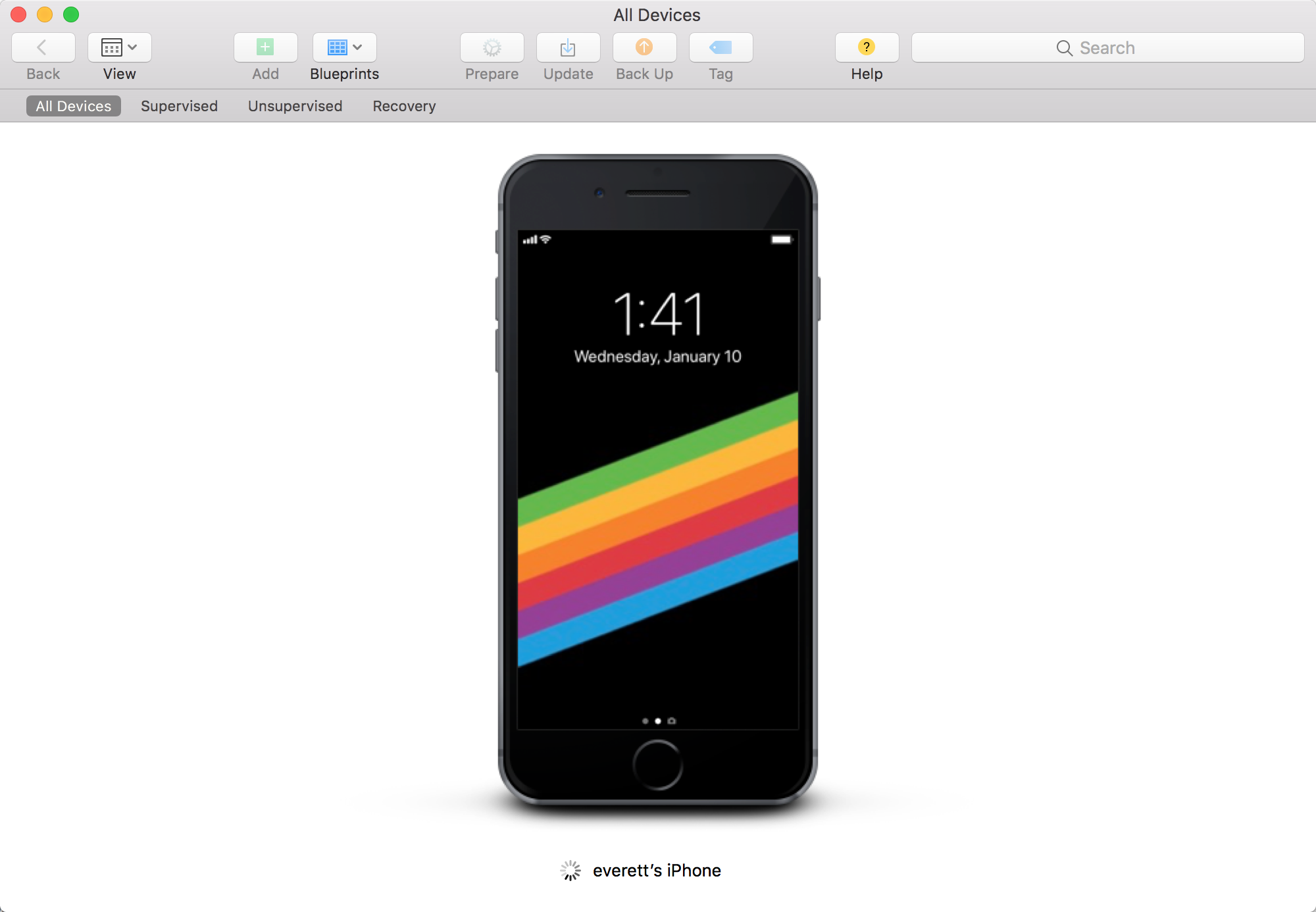
Execute Jailbreak
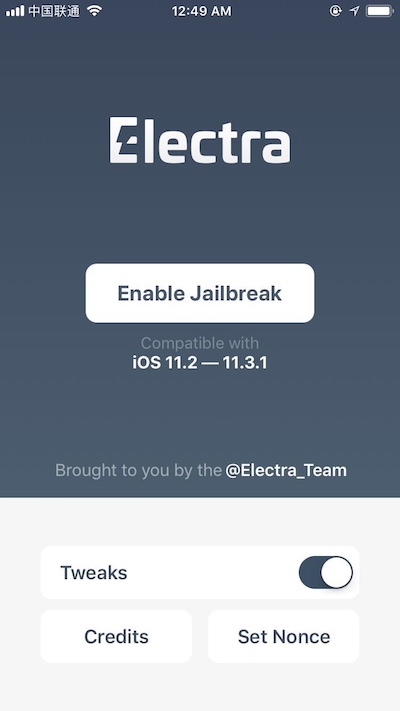
Click Enable Jailbreak, wait for device restart, click once more. Wait for device restart, click once more. Need to restart twice.
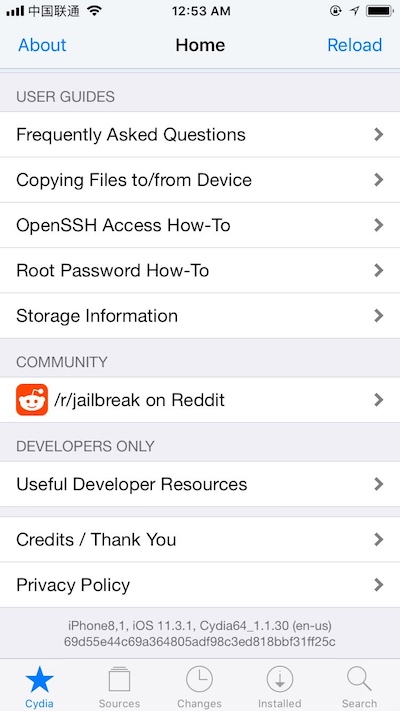
Finally desktop has Cydia, can open.
Simple Play
- Install Frida, reference https://www.frida.re/docs/ios/#with-jailbreak to install Frida.
- Install passionfruit, with node environment directly
npm install -g passionfruit. Reference https://github.com/chaitin/passionfruit.
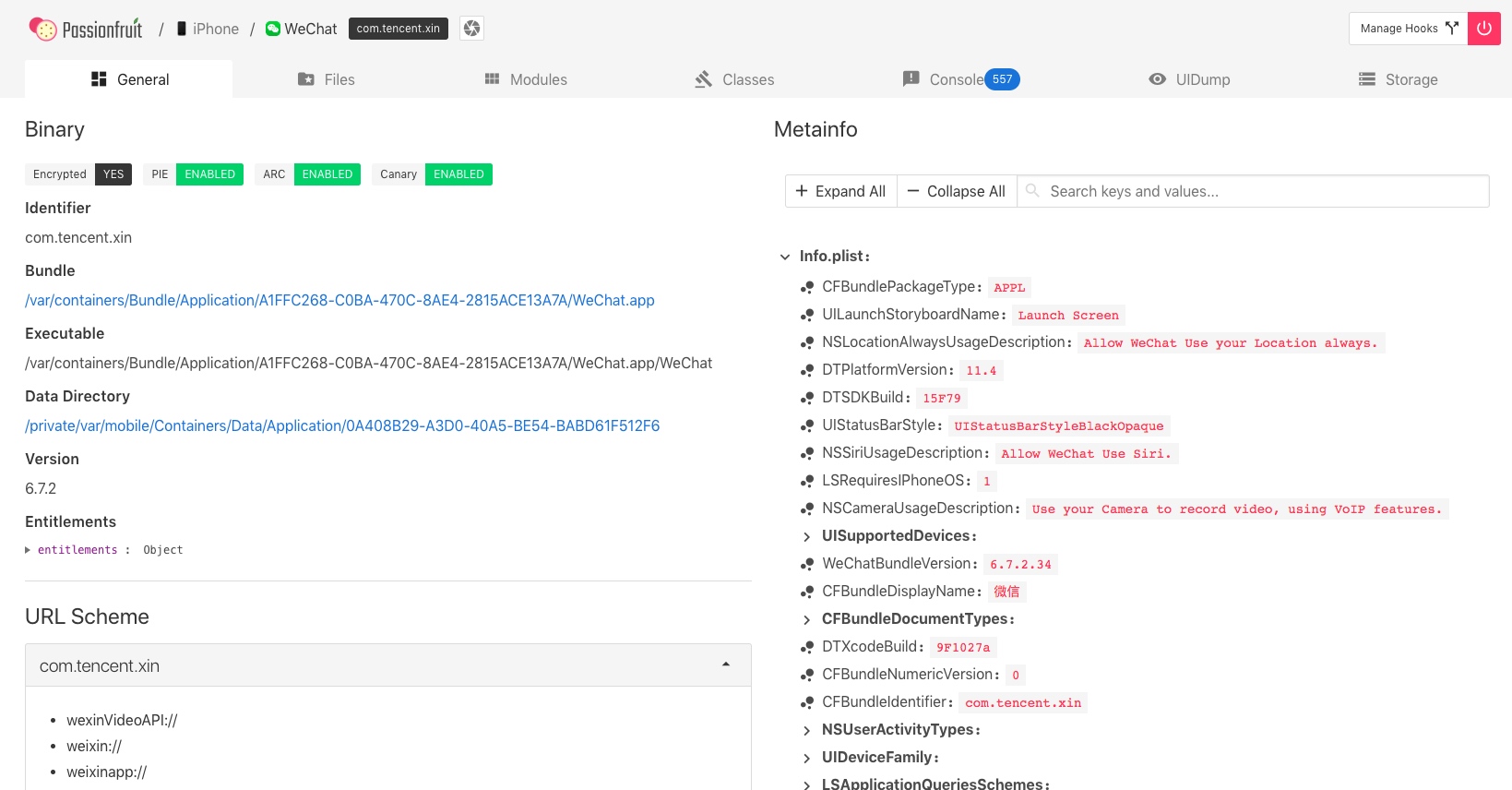
Connect phone, run passionfruit can see below.
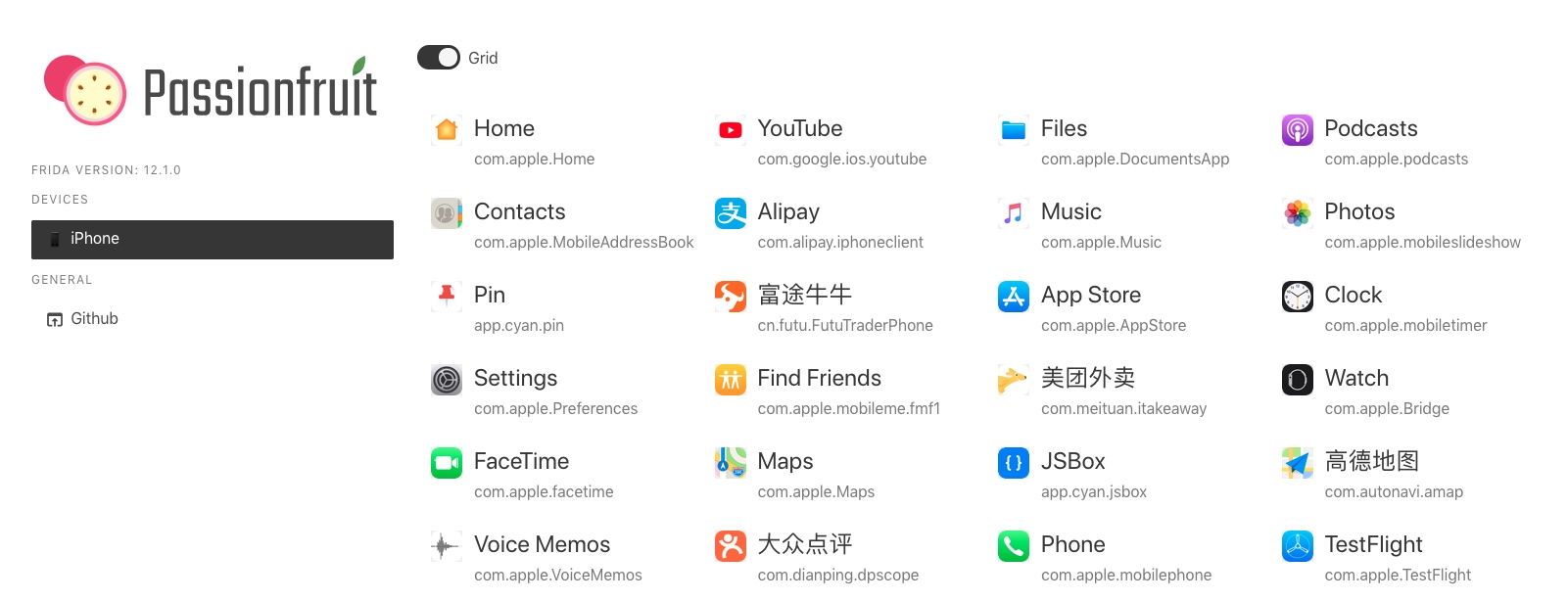
Open WeChat to see, passionfruit really Niubility.
References
- https://canijailbreak.com/
- https://www.reddit.com/r/jailbreak/
- https://www.reddit.com/r/jailbreak/comments/8wtivo/tutorial_how_to_install_electra_1131_multi_path/
- https://www.reddit.com/r/jailbreak/comments/8woubo/tutorial_how_to_get_electra_working_1131_multipath/
Summary
With this jailbroken device, can play with many things, can assist exploring performance optimization methods. About iOS reverse engineering books can reference “iOS App Reverse Engineering” and “iOS App Reverse Engineering and Security”.
Welcome to follow subscription account “Client Technology Review”: