dirtrace - Folder Content Proportion Viewing Tool
Background
Often have need to analyze file size occupation within a folder (for example analyze mobile App’s installation package size), all along GrandPerspective basically met this need, but when using often hope to see folder’s parent-child relationships, FolderSizeView solved this need.
However, FolderSizeView’s performance too poor, when folder content too many (for example analyze Xcode.app’s file size) can’t handle. Actually after FolderSizeView released continuously people feedback can’t analyze results when file content too many, after communication discovered everyone actually compared FolderSizeView with some disk analysis tools, since design original intent was only to analyze App installation packages, solved my personal need, so I also didn’t want to invest time to optimize.
However…
Real background:
Recently joined new company, analyzing and understanding company App’s every aspect, when analyzing sandbox content, discovered my cute FolderSizeView can’t handle, directly shows nothing. Frustrated I had to first use GrandPerspective temporarily. GrandPerspective can meet certain needs, but always feel not comfortable using. Yesterday on way home from work thought and thought, how to solve… Suddenly someone in a WeChat group mentioned another tool I developed Messier (see subscription account or blog’s historical articles) Suddenly realized, can also use chrome tracing to display folder size After getting off subway, immediately ran home Play with kid Tell story Kid finally sleeps Start PyCharm … 159 lines of code Finally done Publish to pip Posted in a group I often chat in However… this reply… Sleep first

Wake up … location changed to kindergarten location changed to home Start writing this article
Purpose
Display a folder’s content using Chrome Tracing, show file size relationships, and can pleasantly browse (zoom in/out).
For example has such folder structure:
 Then tool display effect:

Then if is a super large folder, for example Xcode /Application/Xcode.app, will display as below:
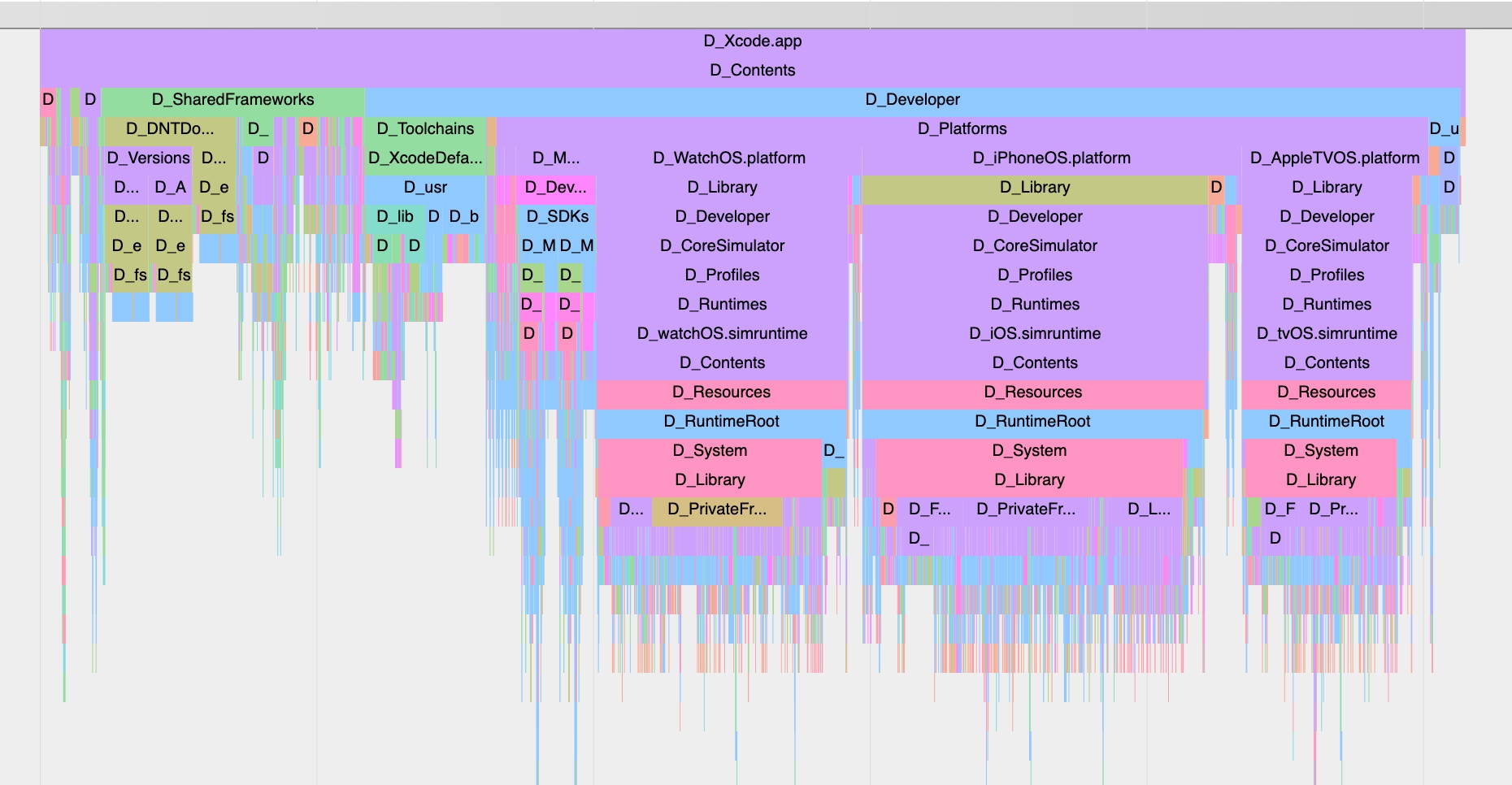
Then what are files so small below, how to see. Can press w a s d to zoom in/out and move. Gif below:
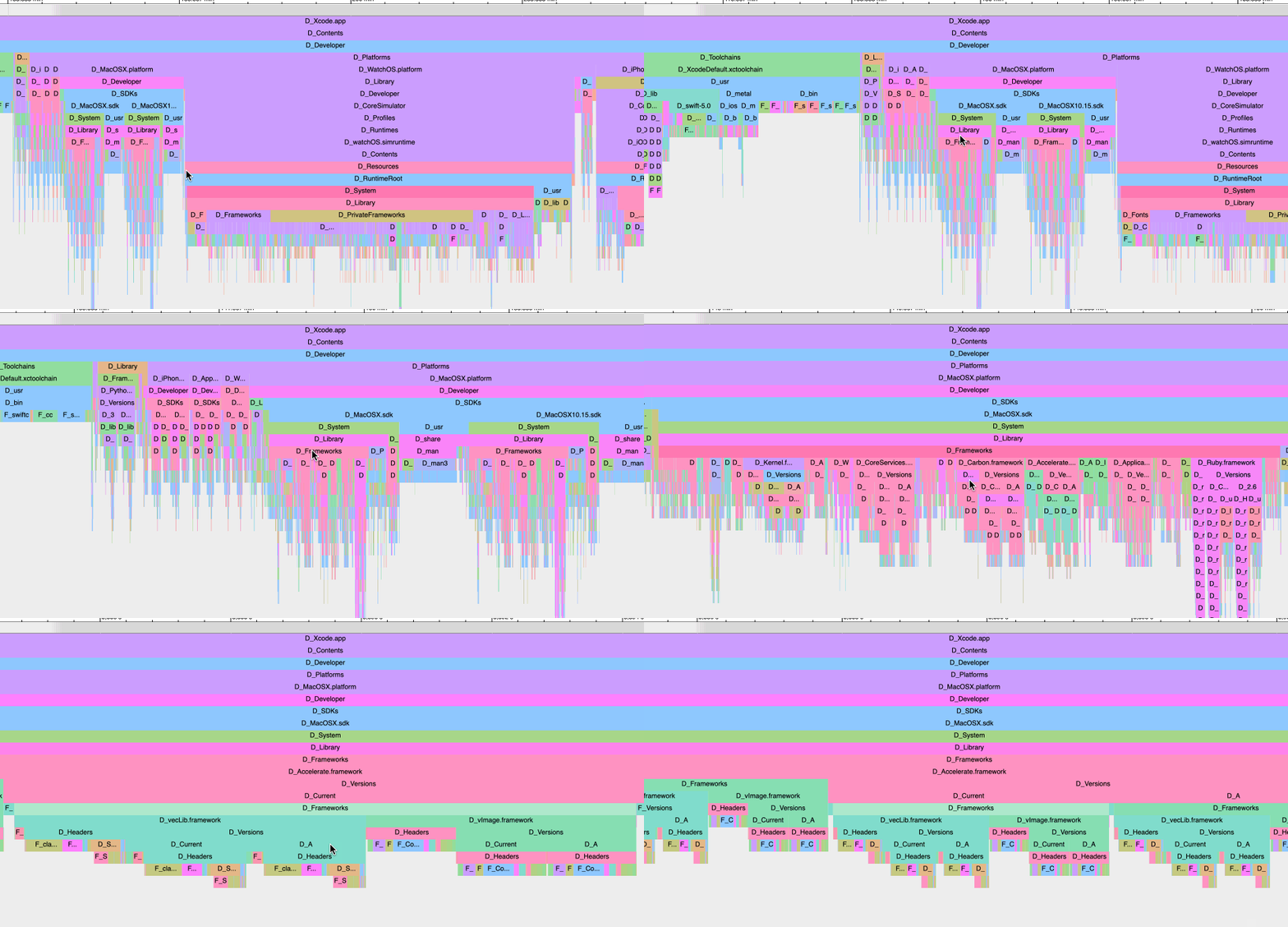
Fun~
Installation
dirtrace developed using Python, can install using pip.
pip install dirtrace
If your Python environment doesn’t have pip installed, just download
https://bootstrap.pypa.io/get-pip.py
this file, then python get-pip.py can complete installation.
Usage
Just two steps (So easy, no longer worry I can’t analyze folders)
Step One: Generate json
dirtrace -d <directory-path>
dirtrace -d <directory-path> -o <output-json-path>
For example:
dirtrace -d /Application/Contacts
or
dirtrace -d /Application/Contacts -o ~/Desktop/trace.json
Note: Output format is json, if don’t specify -o parameter, will generate trace.json in current working directory
Step Two: View
Open Chrome browser (must be Chrome browser), open
chrome://tracing/
As shown:

Drag trace.json file generated just now into Chrome.
Done, try w a s d f and other operations.
Source Code
https://github.com/everettjf/dirtrace
Summary
dirtrace small tool, from development to final release about 2 hours, middle even played several rounds of Archero (Chapter 3 too hard, preparing to uninstall), only thing to note is need to sleep earlier ha.
OK.
If everyone likes, follow subscription account to encourage: