在 iPhone 上运行 Android 系统的体验
· 尝鲜
历史上第一次让Android系统运行到iPhone手机上。目前(2020年3月6日)的版本只支持iPhone7/7 Plus。(iOS系统版本无要求)
Project Sandcastle: Android for the iPhone 项目地址:https://projectsandcastle.org/
正好手头有个iPhone7,体验了下。步骤简单总结下,分享给大家。理想的步骤如下,但由于macOS的安全机制,导致步骤2和3不那么轻松愉快。
- 使用checkra1n越狱
- 运行start_mac.sh
- 运行setup_mac.sh
越狱
下载 https://checkra.in/ 按照步骤越狱。(iPhone使用USB连接Mac。)
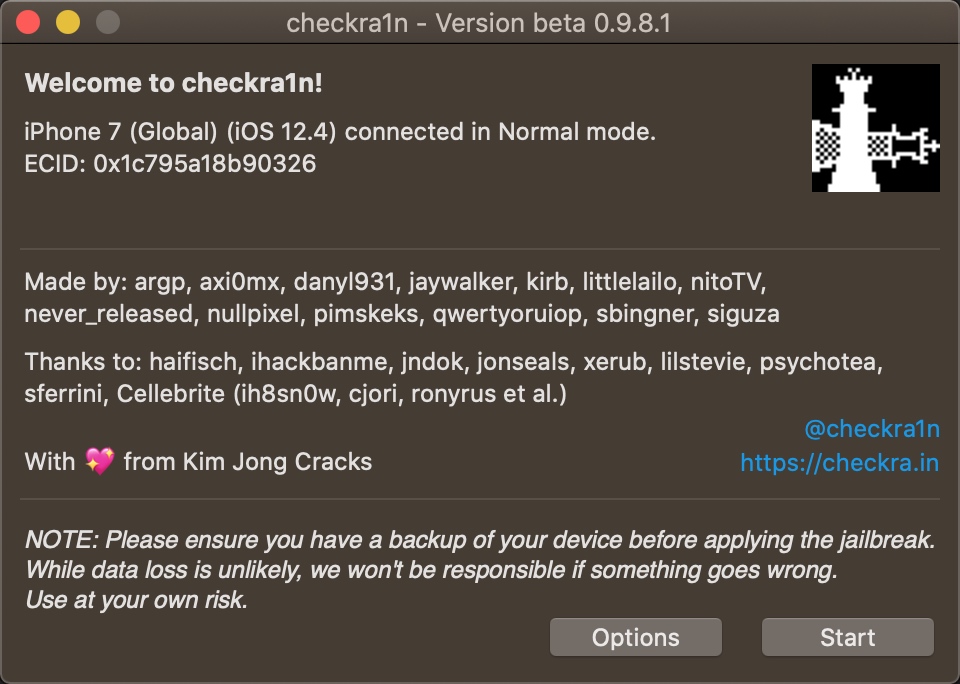
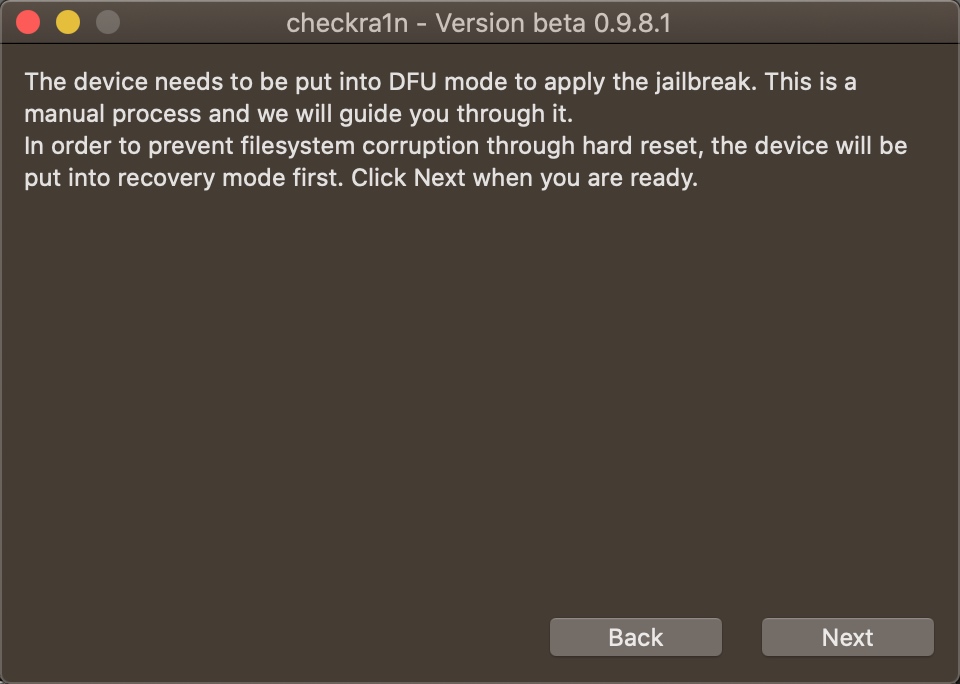
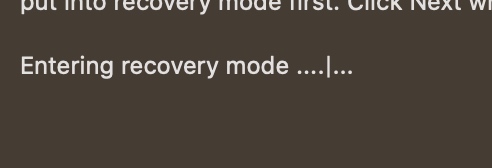
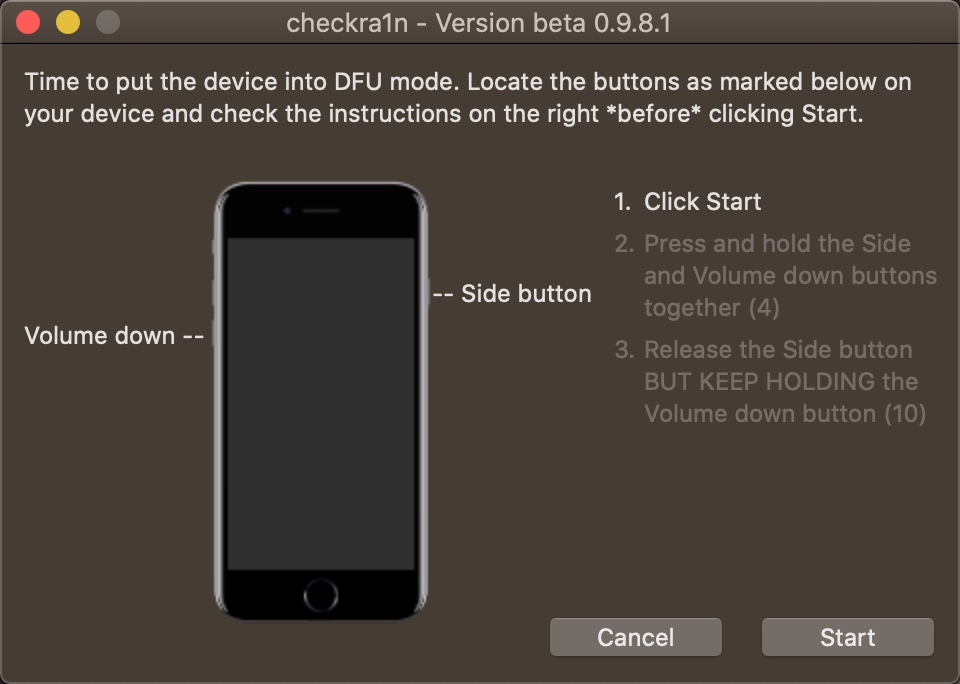
越狱后,进入iOS。
下载 Android Build
在 https://projectsandcastle.org/status 下载 Android Build。
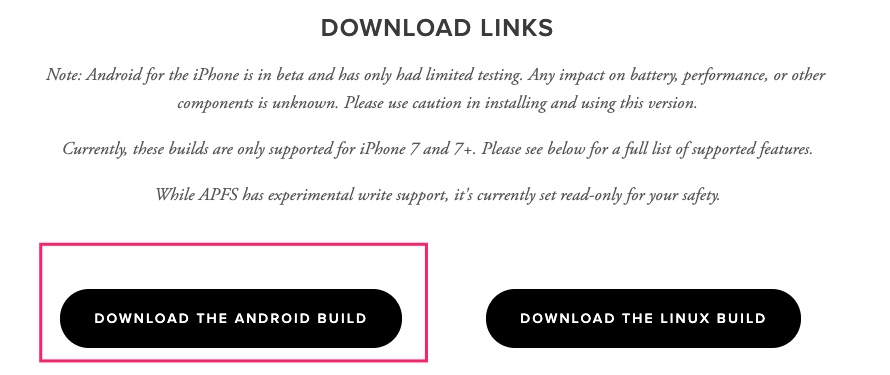
解压下载的文件。
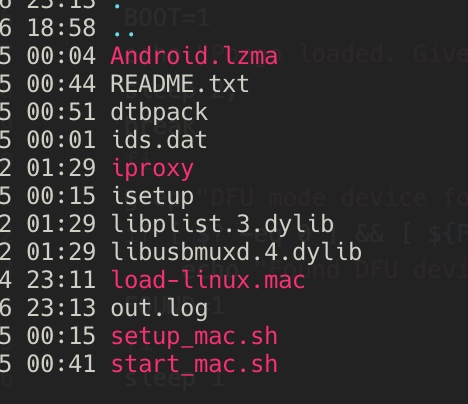
setup_mac.sh
iPhone使用USB连接Mac。理想情况下,macOS上执行 ./setup_mac.sh即可。但我执行不太顺利。自带的iproxy和两个动态库的签名首次执行还需要信任。但其实功能就是iproxy的功能,因此下面手动把 setup_mac.sh 中的步骤执行。
可以先ssh连接下iOS,确保手动连接成功。然后参考如下步骤。
(1)
iproxy 2222 44
(2) 把isetup复制到iOS的/tmp/setup.sh
scp -P2222 -o StrictHostKeyChecking=no isetup root@localhost:/tmp/setup.sh
(3) 两个方法:
一是,FQ。 或者,修改setup.sh中的网络连接测试的地址,比如专门测试网能不能上的baidu(看来老外也是对应的用google测试啊)
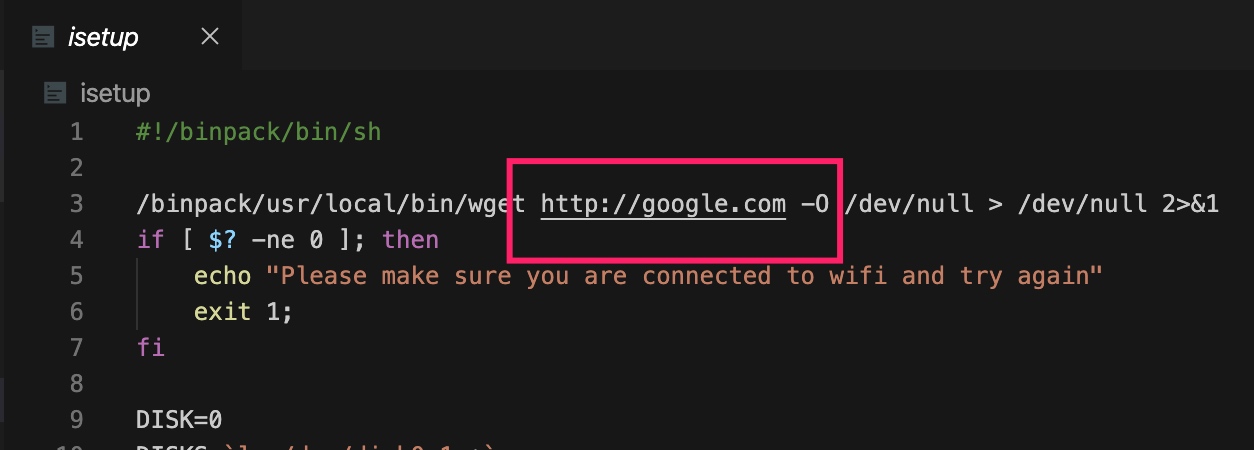
建议使用FQ的方法,因为这个脚本会下载470MB的文件,我家的Wi-Fi不FQ的话,下载这个文件很慢,FQ后貌似几分钟就好了。

(4) 执行 /tmp/setup.sh
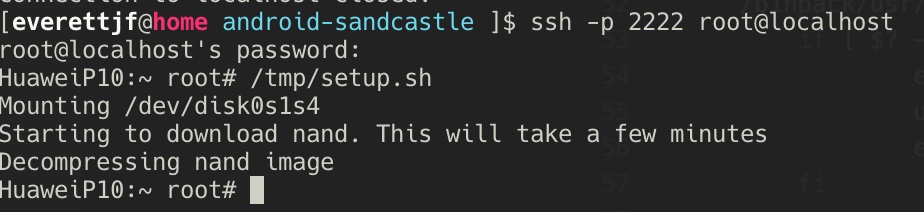
进入DFU 模式
- iPhone关机。
- 同时按 音量下 + 关机键,10秒钟(尽量严格的10秒)。
- 松开 关机键,继续保持音量下。
- 此时手机屏幕会保持黑屏,表示进入了DFU模式。
然后在DFU模式下,执行./start_mac.sh。
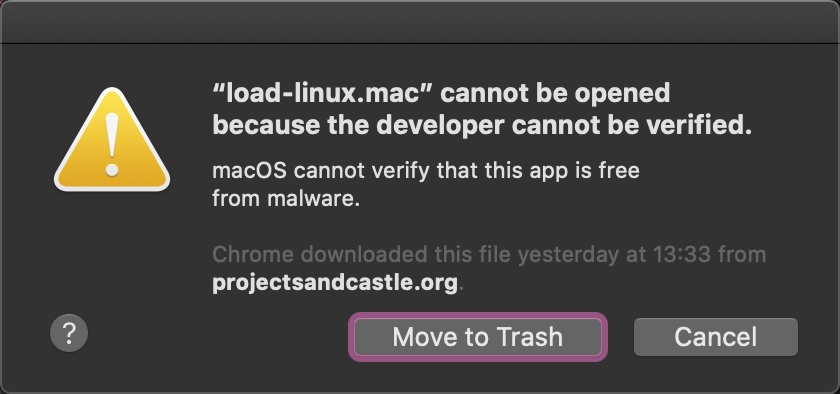
理想情况下,执行完成就可以了。但现实很残酷,我见到了下面这个弹窗(内心一万匹羊驼飞奔而过,生怕把手机搞坏了……),当然要点Cancel。
进入 System Preferences -> Security & Privacy -> General, 点 Allow Anyway。
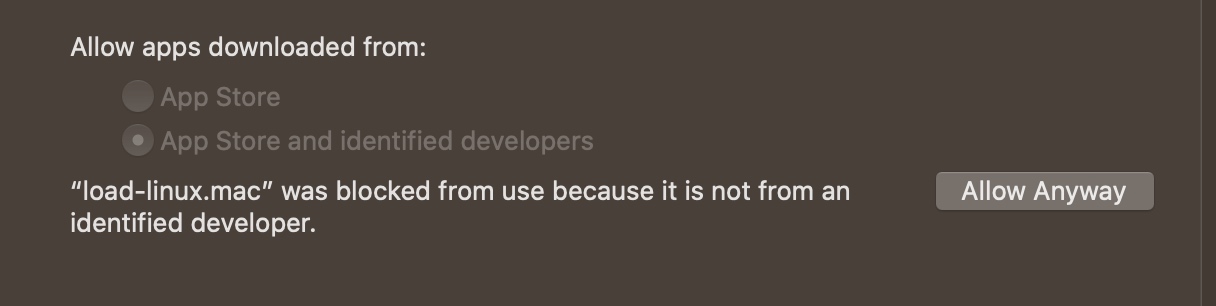
此时还不行,为了预防万一,先命令后执行一次
./load-linux.mac
然后就可以点Open了。
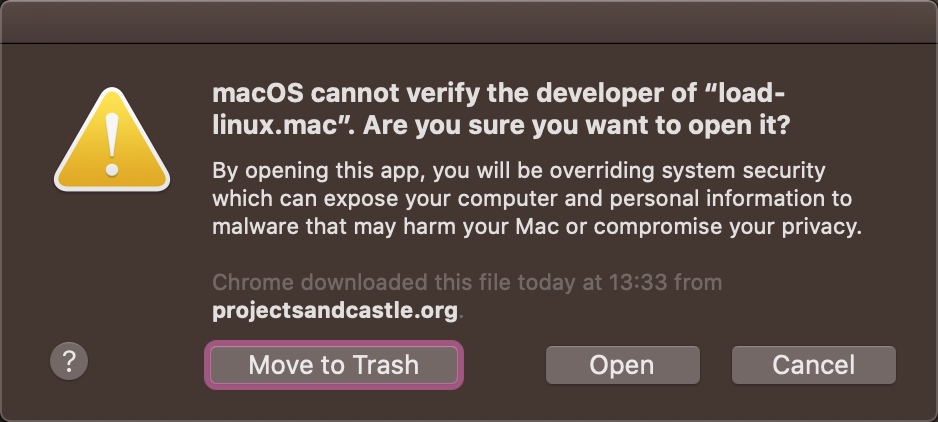
但此时重新执行start_mac.sh似乎不能”恢复继续”了,内心X#@%$$。“聪明”的我看了下start_mac.sh的代码,看来可以执行执行这一步。
./load-linux.mac Android.lzma dtbpack
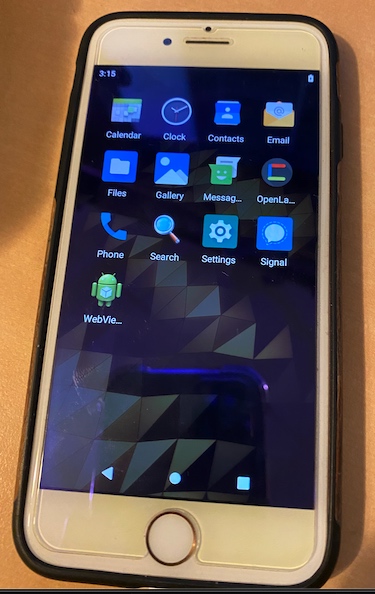
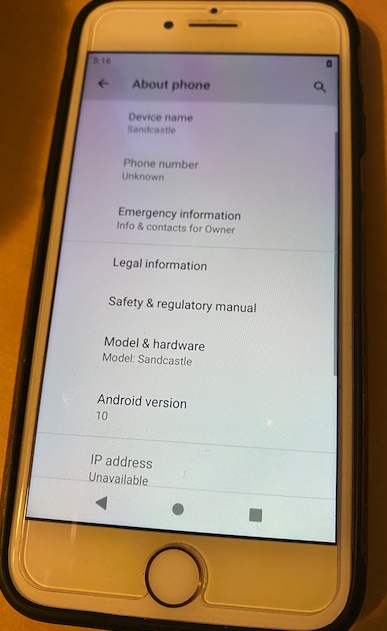
终于成功,iPhone上启动了Android系统。
截图
总结
- 运行比较卡。
- 重启就恢复iOS。
还是挺有趣的,视频可抖音搜索 everettjf 查看。
大家喜欢的话,就关注下订阅号,以示鼓励: